 100% Australian Owned
 Sydney Store
 Help & Support



- Home
- Computers & Laptops
- Data Storage
Data Storage
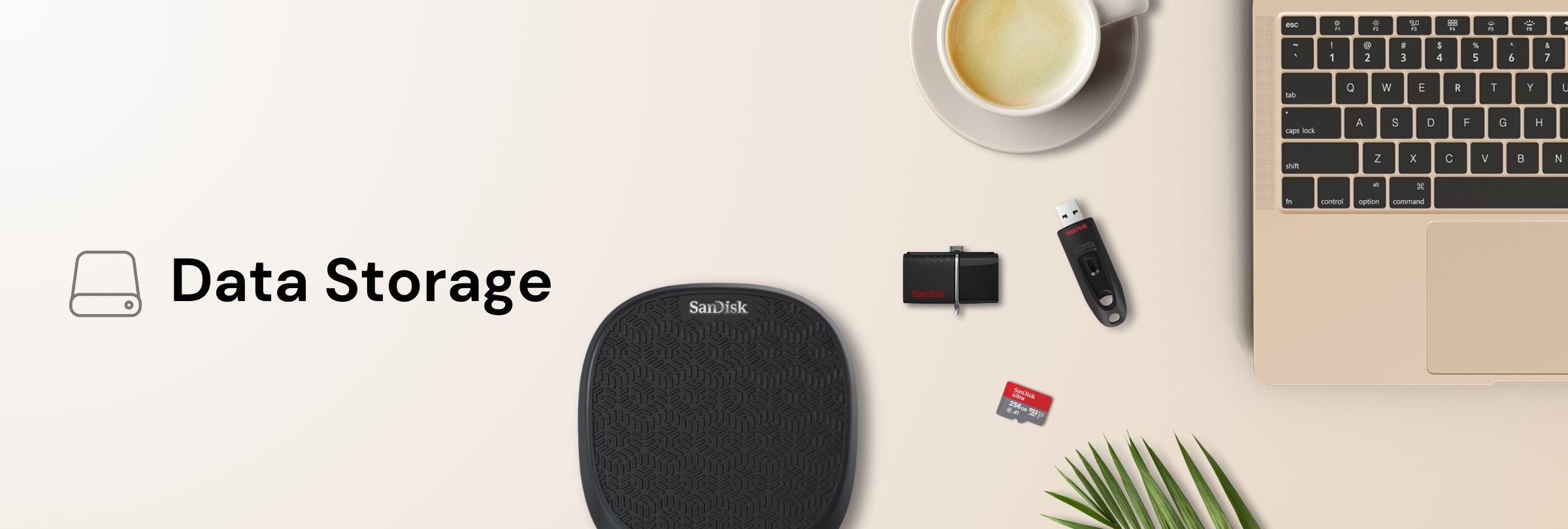
Data Storage for Photos, Files and Backups
Browse data storage for every part of your digital life, from memory cards for cameras and phones to USB flash drives and portable hard drives for backups. The range includes SanDisk, WD, Seagate, Samsung and Strontium options, with capacity, connector and speed varying by model, so you can match storage to the device you use and the amount of data you need to keep.
-

 -76%Sandisk iXpand Base SDIB20N-064G-PN9QN 64GB for iPhone Backup & Charger
 In Stock!
Delivery: In Stock, order now for same day or next business day dispatch
In-Store: In Stock, ready to pick up
Regular Price $164.99 Special Price $39.00
Choosing the Right Type of Data Storage
Each storage type suits a different job. Memory cards slot into cameras, drones, phones and handheld consoles. USB flash drives are pocket sized for moving files between computers. Portable hard drives offer large capacities for backups and media libraries, while solid state drives trade some capacity for quicker access and no moving parts. Knowing where the storage will live is the simplest way to narrow the choice.
Explore Data Storage Categories
- laptops-computers/data-storage/memory-card">Memory Cards
- USB Flash Drives
- SSD / Solid State Drives
- Portable Hard Drives
- Computers & Laptops
Features to Compare in Data Storage
- Storage type: cards, flash drives, hard drives and SSDs each fit different devices and workflows.
- Capacity: ranges from compact flash drives to multi terabyte portable drives; usable capacity is always a little lower than the stated figure.
- Connector: options include USB-A, USB-C and Lightning style drives for iPhone on selected models, so check the ports on your devices.
- Speed: read and write speeds vary by model and interface; check the listing for figures.
- Portability: keyring flash drives and slim portable drives suit travel, while larger drives suit a desk.
- Purpose built options: game drives for consoles and high endurance cards for continuous recording appear on selected models.
How to Choose Data Storage
- Decide where the storage will be used: inside a camera or phone, plugged into a computer, or attached to a console.
- Estimate how much data you need to store now and allow room to grow.
- Check the device's supported card type, connector and maximum capacity.
- Compare speed details on the product page if you work with large video files.
- Plan a backup routine: keep important files in more than one place.
You will find brands such as SanDisk, WD, Seagate, Samsung, Strontium and Transcend across the data storage range.
Why Buy From Mobileciti?
- Over 25 years in Australian tech: a trusted name in the Australian tech industry since 1999.
- Official Australian stock: genuine Australian products; check each listing for device compatibility.
- Local manufacturer warranty: most products come with a full Australian manufacturer warranty; coverage varies by product.
- Free standard delivery on eligible orders: across Australia on orders over $100, subject to eligibility.
- Australian customer support: help by phone and email.
Data Storage FAQs
What is the difference between an SSD and a hard drive?
A hard drive stores data on spinning platters and usually offers more capacity for the money, while an SSD uses flash memory with no moving parts and tends to access files more quickly. Performance varies by model.
Should I choose a memory card or a USB flash drive?
Choose a memory card if the device has a card slot, such as a camera or drone. A USB flash drive suits moving files between computers or plugging into a TV or car stereo that has a USB port.
Why does my drive show less space than advertised?
Manufacturers count storage differently from most operating systems, and some space is used for formatting, so usable capacity is always lower than the stated capacity.
Can I use a portable hard drive with a Mac and a Windows PC?
Many drives can be formatted to work with both, and some models are sold preformatted for Mac. Check the product specifications and back up before reformatting.
Is one storage device enough for a backup?
Any storage device can fail or be lost, so keep important files in at least two places, such as a portable drive plus cloud storage or a second drive.