 100% Australian Owned
 Sydney Store
 Help & Support



- Home
- Laptop, Tablet or eReader? How to Choose
Laptop, tablet or eReader? How to choose
For study, work or reading on the couch. Which device fits how you’ll use it, the specs that actually matter, and our picks at every budget.
In a hurry? Our quick picks
In stock now, at today’s prices.
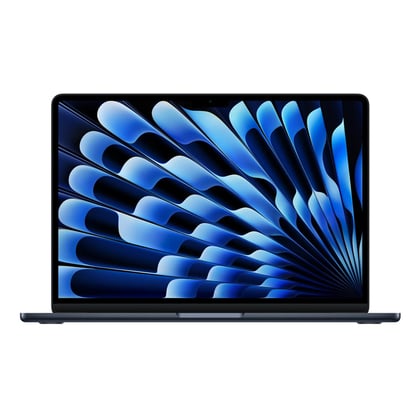
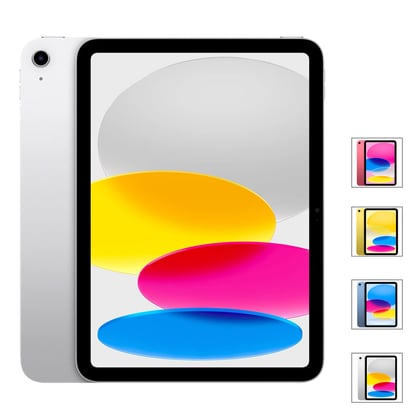
Apple MacBook Air 13-inch w/ M5 Chip, 512GB/16GB, -…MacBook Air with M5 chip, 16GB RAM and 512GB storage. Light, with all-day battery.$1,999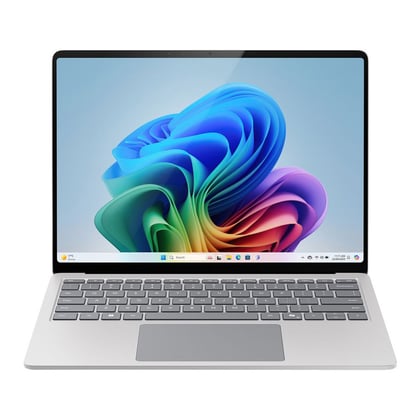 Microsoft Surface Laptop (7th) Copilot+ PC (13.8",…Surface Laptop Copilot+ PC with Snapdragon X Plus. Thin and light, for work and study.$1,749Apple iPad 11-inch A16 Wi-Fi 128GB11-inch iPad with A16 chip, for study, streaming and notes.$718
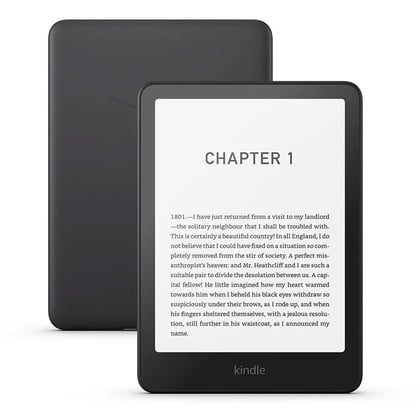 Kindle Paperwhite 7" 12th Gen 16GB - BlackKindle Paperwhite. Glare-free screen, waterproof, and the battery lasts weeks.$299
Laptop, tablet or eReader?
Start with how you’ll use it.
Laptop
- Full keyboard and big screen
- Runs every program
- Best for typing and multitasking
- Heavier to carry
Tablet
- Light, touch and pen input
- Add a keyboard case if you need one
- Some programs need a laptop
2-in-1
- Laptop that folds into a tablet
- Touch screen and pen
- Costs more
eReader
- Paper-like screen that’s easy on the eyes
- Battery lasts weeks
- Reading only
What to look for
The things that make the biggest difference day to day.
RAM
8GB is fine for browsing and documents. 16GB is the sweet spot for multitasking and keeps a laptop fast for years.
Storage
256GB is the minimum we’d suggest. Choose 512GB or more if you keep lots of photos, videos or games on the device.
Screen size
13 to 14 inches is easiest to carry. 15 to 16 inches suits a desk and side-by-side windows.
macOS or Windows
Pick what you already know, or what your school or work uses. Many Australian schools publish a BYOD list, so check it before you buy.
Battery and weight
For uni and travel, aim for under 1.5 kg and 10+ hours of real battery life.
Ports
Check for USB-C charging, and a USB-A or HDMI port if you use older accessories or a monitor.
Laptop vs tablet vs eReader
| Laptop | Tablet | eReader | |
|---|---|---|---|
| Typing assignments | Best | With keyboard case | No |
| Notes and drawing | 2-in-1 models | Best (with pen) | Some models |
| Reading books | OK | Good | Best |
| Battery life | 8 to 20 hours | 10 or so hours | Weeks |
| Typical price | From about $500 | From about $300 | From about $260 |
Our picks by budget
Picked from what we have in stock, with Australian warranty.
Under $800Tablets & reading
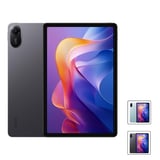 Xiaomi REDMI Pad 2 Wi-Fi (128GB/4GB, 2.5K 11’’,…$397
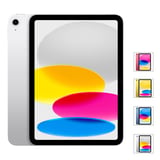 Apple iPad 11-inch A16 Wi-Fi 128GB$718
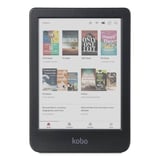 Kobo Clara Colour e-Book Reader (6'', 16GB,…$279
 Apple MacBook Neo 13-inch w/ A18 Pro Chip,…$1,029
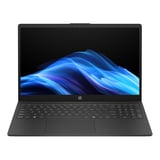 HP 15.6 inch Laptop (R7-7730U, 256GB/16GB,…$1,028
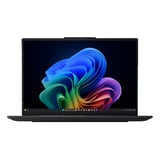 Lenovo ThinkPad E16 Gen 4 (AMD Ryzen AI 5-330,…$1,499
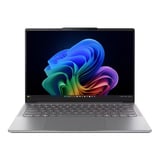 Lenovo Yoga Slim 7i Gen 10 (14" OLED, U5-226V,…$1,588
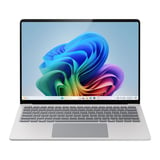 Microsoft Surface Laptop (7th) Copilot+ PC…$1,749
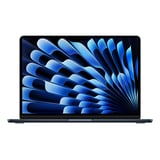 Apple MacBook Air 13-inch w/ M5 Chip, 512GB/16GB,…$1,999
Get more out of it
- Check the school list firstMany schools publish minimum specs or approved devices. A cheaper laptop that meets the list beats an expensive one that doesn’t.
- Move your files overUse Migration Assistant (Mac) or OneDrive (Windows) to copy files and settings from your old computer.
- Look after the batteryTurn on battery protection or optimised charging if you keep the laptop plugged in most of the day.
- Get a case for the first dayA sleeve or folio case costs little next to a cracked screen.
Questions we get asked
How much RAM do I need for uni?
16GB if you can. 8GB handles browsing and documents, but 16GB keeps things smooth with many tabs, video calls and apps open.
Can a tablet replace a laptop?
For notes, reading and streaming, often yes. For long essays, coding or specialist software, a laptop is still easier.
Kindle or Kobo?
Both are great. Kindle links to Amazon’s store, while Kobo works with many Australian library apps for free ebook loans.
Do your laptops come with a warranty?
Yes. Every device we sell comes with an Australian warranty, and you can return eligible items under our return policy.
More guides

Still not sure?
Ask our team on live chat or call us, we’re happy to help you choose.